Survey Equipment Maintenance to Maximise Accuracy and Lifespan
Author
Gregory Haralambous
Category
Blog
Reading Time
Date Published
7 August, 2025
Get In Touch
From laying out coordinates for earthworks to validating measurements during as-built checks, survey equipment plays a critical role in modern construction workflows. However, maintaining precision over time requires consistent upkeep, making regular maintenance an essential part of protecting both accuracy and productivity.
Best Practices for Survey Equipment Maintenance
In high-demand environments, even the most rugged gear can lose accuracy without proper care. That’s why regular survey equipment maintenance isn’t just good practice, it’s essential for keeping productivity high, ensuring data integrity and getting the most out of your investment.
Let’s take a closer look at a few best practices for survey equipment maintenance:
1. Automating Layout: Start with Calibrated Accuracy
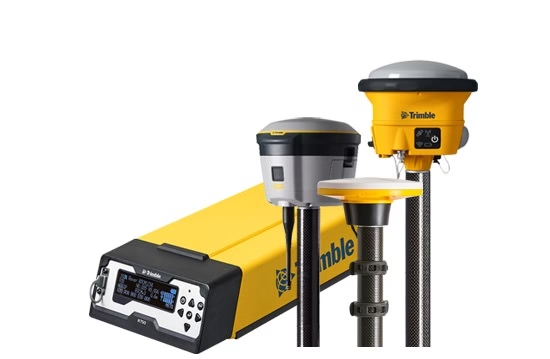
Automated layout tools are only as precise as the equipment behind them. GNSS receivers, total stations and laser instruments all rely on accurate calibration to deliver reliable outputs.
Why maintenance matters:
Uncalibrated gear can create misaligned foundations, leading to costly rework. Routine calibration ensures your automated layout systems place every point, stake or grid exactly where it should be.
Best practices:
-
Scheduling calibration checks monthly or after any physical shock.
-
Storing instruments in padded containers to reduce internal misalignment.
Using manufacturer-certified service providers for recalibration.
2. Earthmoving and Grading: Dust, Vibration & Daily Wear
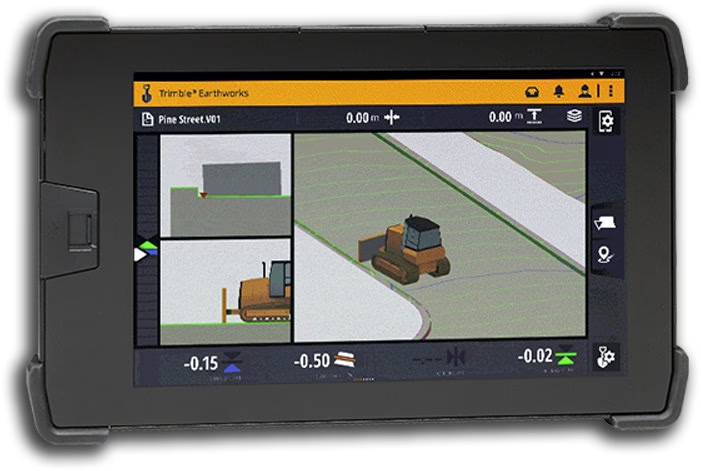
Site automation tools like Trimble Earthworks depend on real-time data from GNSS antennas and sensors. These components are exposed to heavy machinery vibrations, dust and debris – all of which can reduce their responsiveness.
Why maintenance matters:
Dust build-up or loose cable connections can lead to signal errors and lower grading precision. Inconsistent cuts, uneven slopes and fuel waste are the direct result.
Best practices:
-
Cleaning connectors and external housing after each shift.
-
Inspecting mounting brackets for looseness weekly.
-
Checking for firmware updates that enhance performance and fix known issues.
3. Quality Control & As-Built Verification: Trust the Measurements
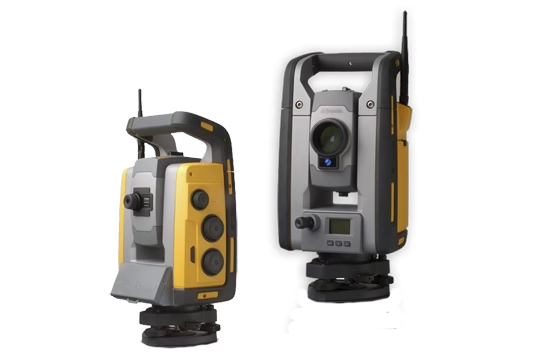
When verifying work against design specs, precision is non-negotiable. Survey controllers and total stations must deliver pinpoint readings for as-built documentation and quality control.
Why maintenance matters:
Even minor errors in your survey data can undermine compliance or delay project handovers. And in automated workflows, flawed inputs lead to flawed outputs. Equipment care is therefore essential.
Best practices:
-
Keeping optical lenses and screens smudge-free using lens-safe wipes.
-
Running system diagnostics to detect anomalies before critical surveys.
Protecting electronics from heat, moisture and direct sunlight during use.
4. Progress Tracking & Reporting: Reliable Data Flow
Automated progress tracking combines drone data, scanners and geospatial tools to create real-time progress reports. But the accuracy of these tools depends on consistent calibration and connectivity.
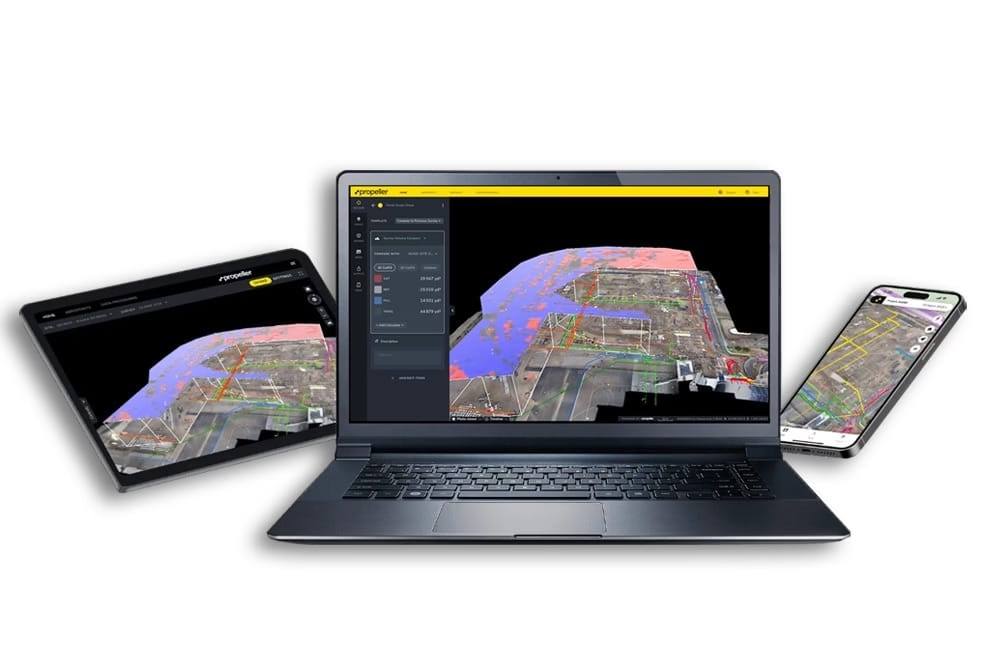
Why maintenance matters:
Without proper care, photogrammetry and 3D scanning tools may produce inconsistent data, jeopardising decision-making and costing your team valuable time.
Best practices:
-
Inspecting drone propellers, payloads, and gimbals before every flight.
-
Regularly back up and clear onboard storage.
Ensuring your survey software integrates properly with project platforms.
5. Utility & Safety Scanning: Function Overlooked, Until It’s Too Late
Subsurface detection and scanning tools must be accurate to prevent safety risks and rework. Misreadings can lead to hitting underground utilities or misplacing installations.

Why maintenance matters:
Any loss in signal sensitivity or software bugs can have serious consequences, from site damage to safety hazards.
Best practices:
-
Testing battery levels, signal range and ground contact daily.
-
Cleaning and drying all contact surfaces post-use.
Replacing worn cables and faulty indicators before they compromise fieldwork.
How to Maintain your Survey Equipment
Proper maintenance becomes even more critical when operating within automated workflows in construction, where real-time data and tool precision are foundational to project success.
By incorporating the checklist below into your daily operations, you can extend tool longevity and keep your site running smoothly:
1. Wipe Down Instruments After Every Use
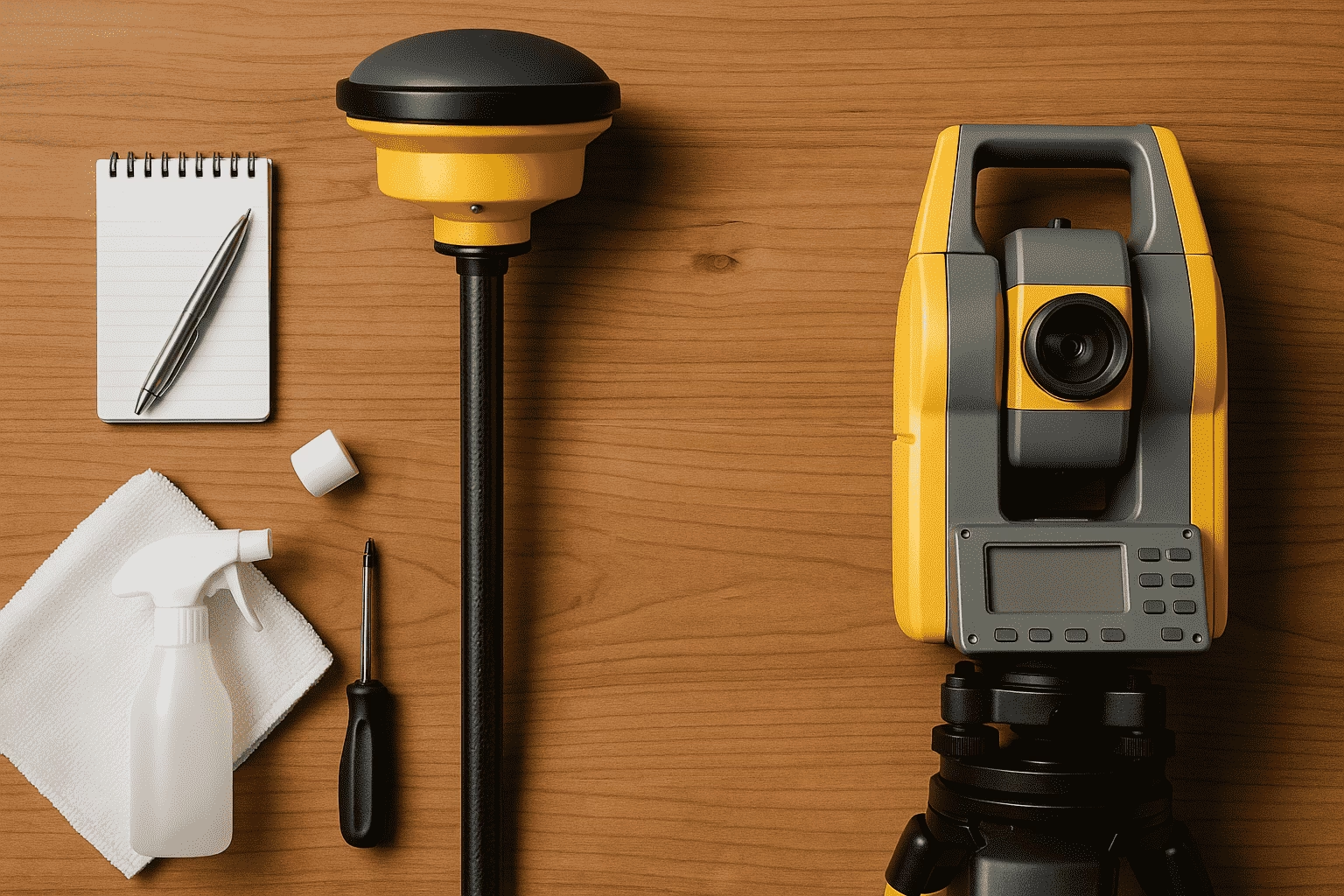
Dust, dirt, and moisture can affect sensitive sensors, lenses and connectors. Gently wiping your equipment with a soft, lint-free cloth after each use helps prevent long-term build-up and protects internal components from damage.
2. Calibrate Regularly and Log Each Session
Regular calibration ensures your equipment stays accurate and compliant with project tolerances. Logging each calibration session creates a maintenance history that can help detect patterns, support audits and improve equipment lifecycle planning.
3. Store in Dry, Dust-Free Environments
When not in use, store instruments in their protective cases away from direct sunlight, extreme temperatures and high humidity. This prevents corrosion, condensation and unnecessary wear on electronic parts and optics.
4. Keep Firmware and Software up to Date
Manufacturers regularly release updates that fix bugs, enhance performance and introduce new features. Keeping your firmware and connected software up to date ensures compatibility and reliability across your workflow.
5. Train All Operators on Proper Handling
Even the most robust tools are vulnerable to mishandling. Providing operators with hands-on training reduces the risk of accidental damage, ensures correct usage in the field and encourages a culture of accountability around equipment care.
Partner With Sitech SA to Power Your Productivity With Proactive Maintenance
Your survey equipment is more than just hardware — it’s the backbone of a smarter, more productive site. Investing in regular survey equipment maintenance keeps your gear accurate, minimises downtime and protects your technology investment.
We can help you keep your equipment working as hard as you do. Contact Sitech SA today to book a maintenance check or discover a tailored support plan for your fleet. Let’s keep your site running at full capacity!
Need to get in touch with us?
Complete the form and a member of our team will be in touch.
Alternatively, you can contact any of our regional offices directly using the details below.
Request a Quotation
Please complete the form and a SITECH SA representative will contact you to assist.