Paving Control
Paving Control for Asphalt Pavers
Productive, Integrated and Innovative
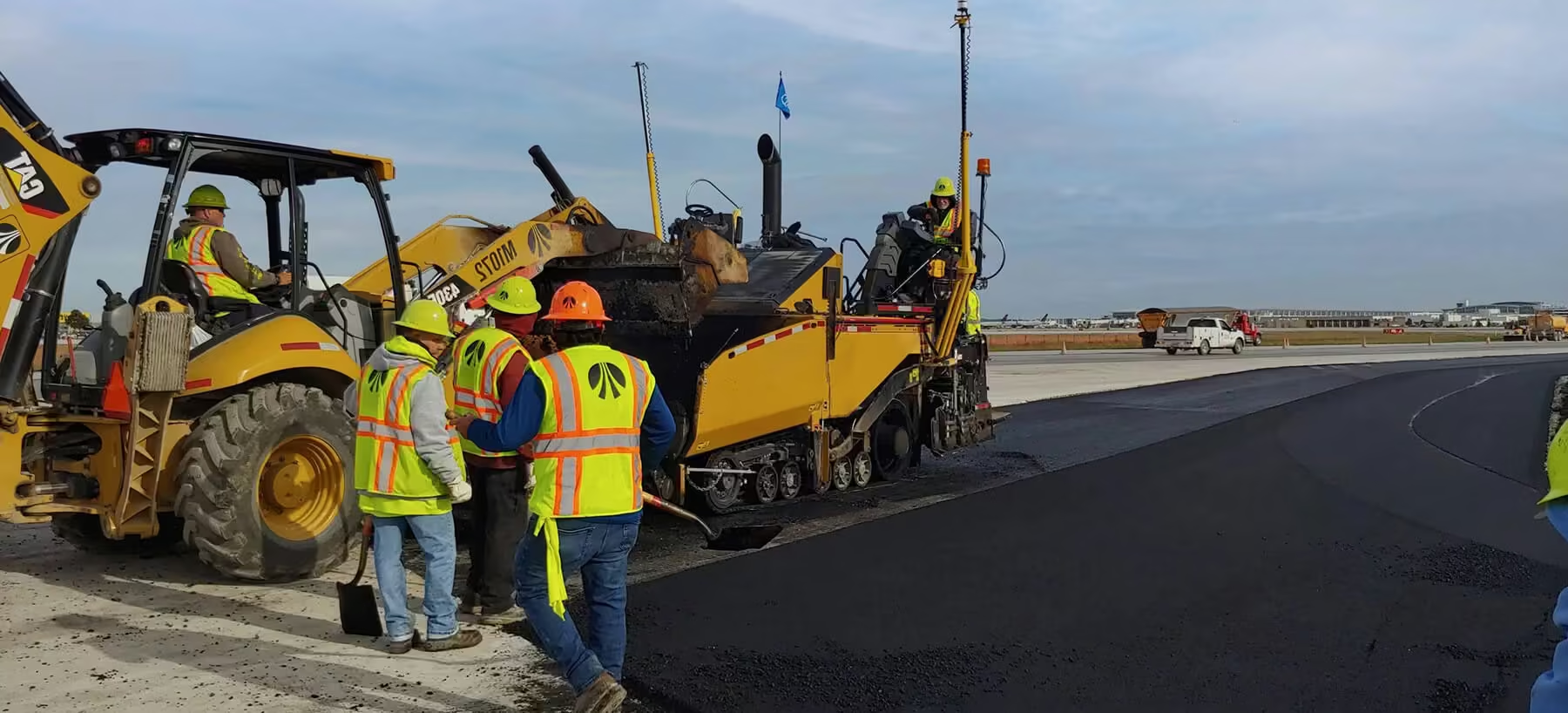
Trimble Paving Control Systems, powered by precise 2D references or advanced 3D design models, are engineered to transform the way asphalt paving projects are completed. These intelligent systems allow contractors to significantly reduce material waste, control asphalt usage with precision, and achieve exceptional surface accuracy from the very first layer. By automating screed control and removing the need for time-consuming stringlines, Trimble technology enhances both speed and quality across every phase of the job.
Enquire Now

Intelligent Paving Control Technology
Pave Any Surface with Greater Accuracy, Efficiency and Confidence
Whether you’re paving straightforward roads or complex surfaces with variable depth, super-elevations, or tight tolerances, Trimble Paving Control gives you the tools to perform with confidence. The result is faster project turnaround, fewer errors, and greater cost-efficiency, while delivering smoother, longer-lasting results.
Trimble Roadworks and PCS900 3D
-
Lay the finished surface with accuracy to 3 mm
-
Minimize the use of expensive material
-
Pave within a tighter tolerance and get closer to the minimal asphalt thickness specification
-
Reduce labour costs by controlling the screed with one operator
-
Reduce operator mistakes with the easy-to-use display interface
-
Lay complex designs such as transitions, super-elevated curves and frequently changing cross slopes
-
Achieve accuracy and smoothness specifications, which can mean a bigger bonus

3D Paving Control
Precise Screed Control Based on a Full 3D Design Model
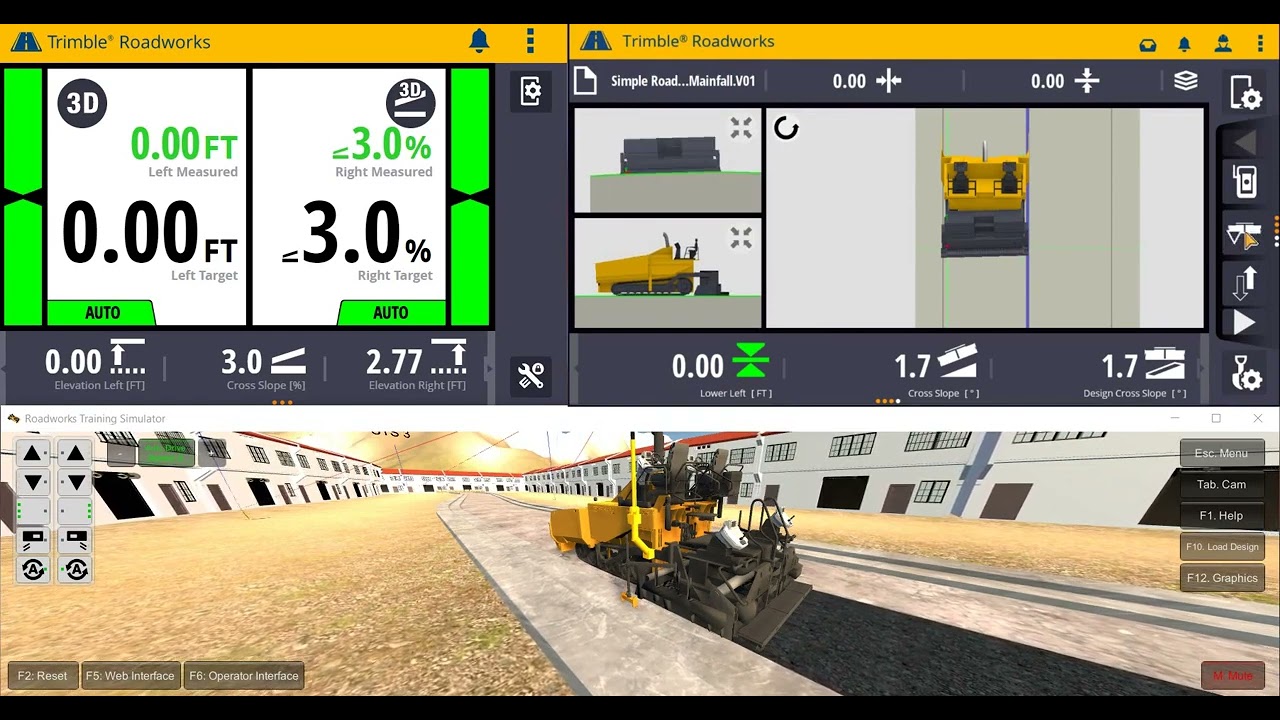
The Trimble Roadworks 3D Paving Control Platform and Trimble PCS900 3D Paving Control System allow you to accurately control the screed to pave with variable depth and slope based on a 3D design.

Key Advantages of 3D Paving Control
-
Take out high and low areas early in the process with the less expensive first-layer materials
-
Increase road smoothness while using less asphalt than with traditional paving methods
-
Lay complex designs such as transitions, super-elevated curves and frequently changing cross slopes
-
Achieve accuracy and smoothness specifications, which can mean bonus income
-
Eliminate the time-consuming and costly step of setting out stringline
Pave to a Design
-
Create a 3D model in Trimble Business Center and load onto the in-cab display
-
Use the SPS930 Universal Total Station and on-board software and hardware to compare the actual screed position and slope with the 3D model
-
The system automatically guides the screed to lay exactly the right material thickness and slope

2D Paving Control
Reliable Fixed-Thickness Paving Across Multiple Reference Methods
Trimble Roadworks 2D Paving Control Platform uses a 2D reference to pave with a fixed thickness. This makes Roadworks an excellent, lower cost option for roads that have been graded or milled using 3D paving control.
Surface Reference
Trimble Roadworks 2D Paving Control Platform uses a 2D reference to pave with a fixed thickness. This makes Roadworks an excellent, lower cost option for roads that have been graded or milled using 3D paving control.
Stringline Reference
A sonic tracer can be configured to use stringline as a reference line to control the paver. In this mode the sonic tracer will measure any lateral movement of the machine relative to the stringline. When the sonic tracer’s center is moving away from the stringline, the control box warns you and provides correction guidance.
Slope Sensor Reference
Trimble Roadworks can also use an angle sensor to reference the desired cross-slope of the road. Designed specifically for asphalt pavers, the sensor rarely needs recalibration and paves cross slopes of up to 0.05% accurately and consistently.
Laser Plane Reference
Use a Trimble LR410 Laser Receiver with the GL700 Grade Laser series to reference a laser plane for asphalt thickness control. Both dual and single laser receivers are supported.
Related Media
See the Trimble Paving Control for Asphalt Pavers in Action
Explore Trimble Paving Control for Asphalt Pavers from multiple angles and get a closer look at its design, key components, and real-world durability.



Request a Quotation
Please complete the form and a SITECH SA representative will contact you to assist.