Site Positioning Software
SiteWorks
Designed for Construction Surveying
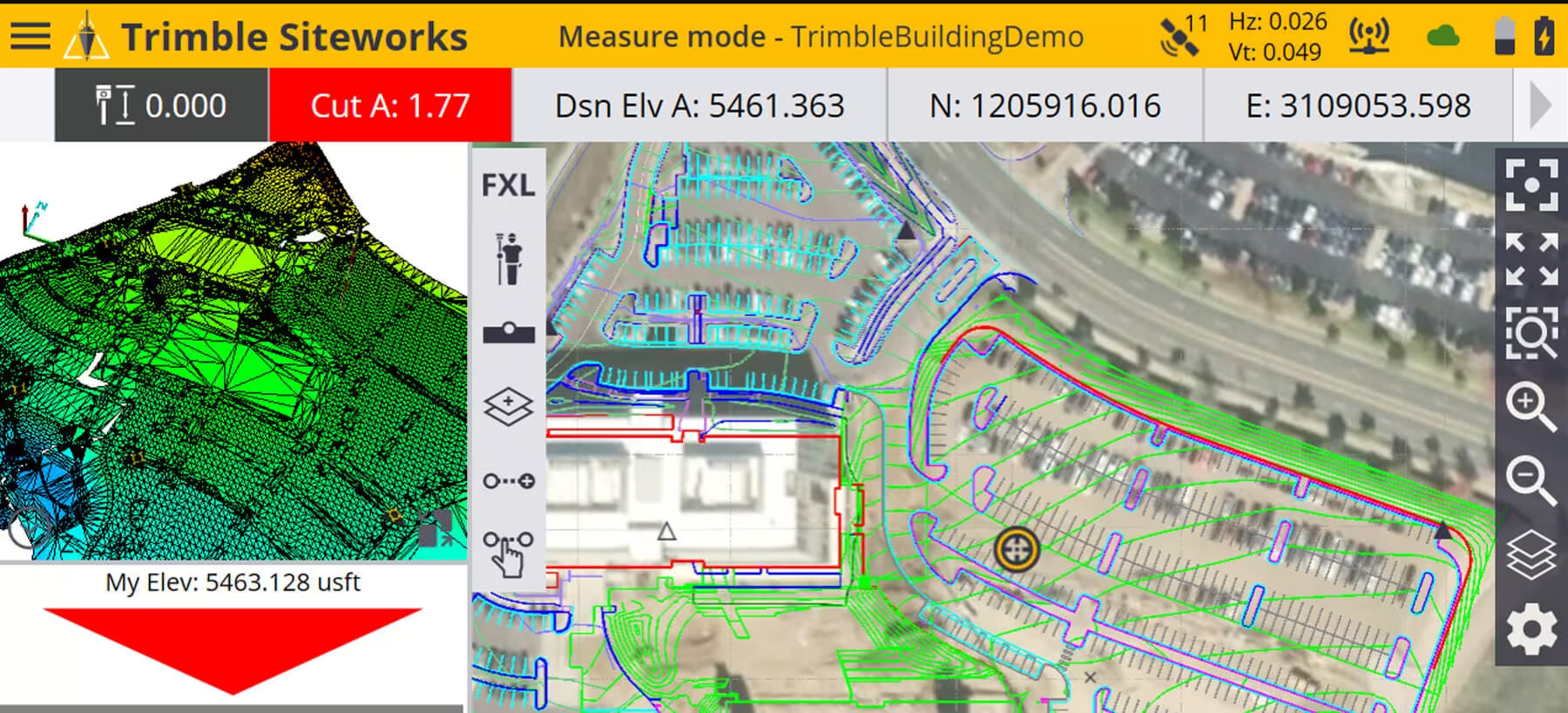
Trimble® Siteworks Software is an intuitive and powerful site positioning software designed for construction professionals including grade checkers, site engineers, surveyors, supervisors and foremen. This advanced Trimble survey software takes the constructible model directly into the field, helping teams work smarter and faster. From initial site reconnaissance to final as-built collection, Trimble Siteworks streamlines every stage of the process—making it easy to collect and share site measurements, perform stakeout tasks, manage multiple work orders and job sites, monitor progress, and generate detailed reports with accuracy and efficiency.
Enquire Now
Advanced GNSS Coverage
Greater Accuracy in Challenging Environments
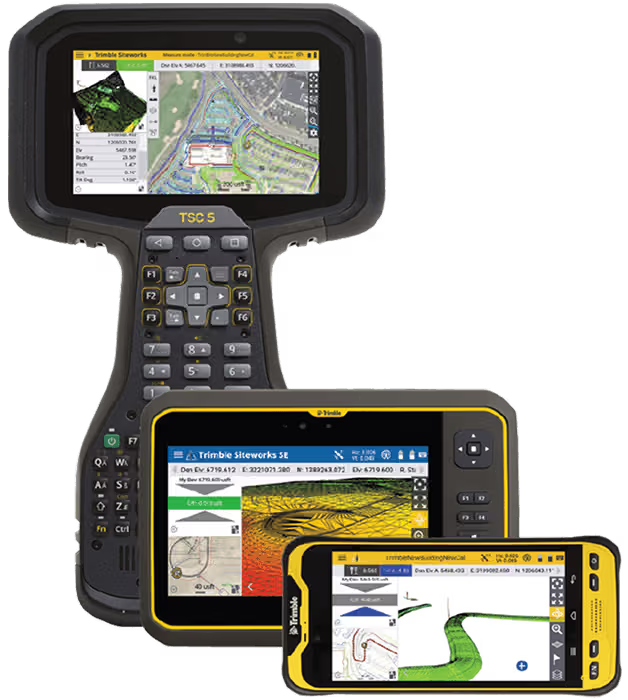
With increased processing power and Windows 10 compatibility, Trimble Siteworks site positioning software delivers faster performance and smoother handling of complex files and 3D data sets, all on a larger high-resolution screen. This allows construction teams to identify issues early and solve problems before they impact productivity.
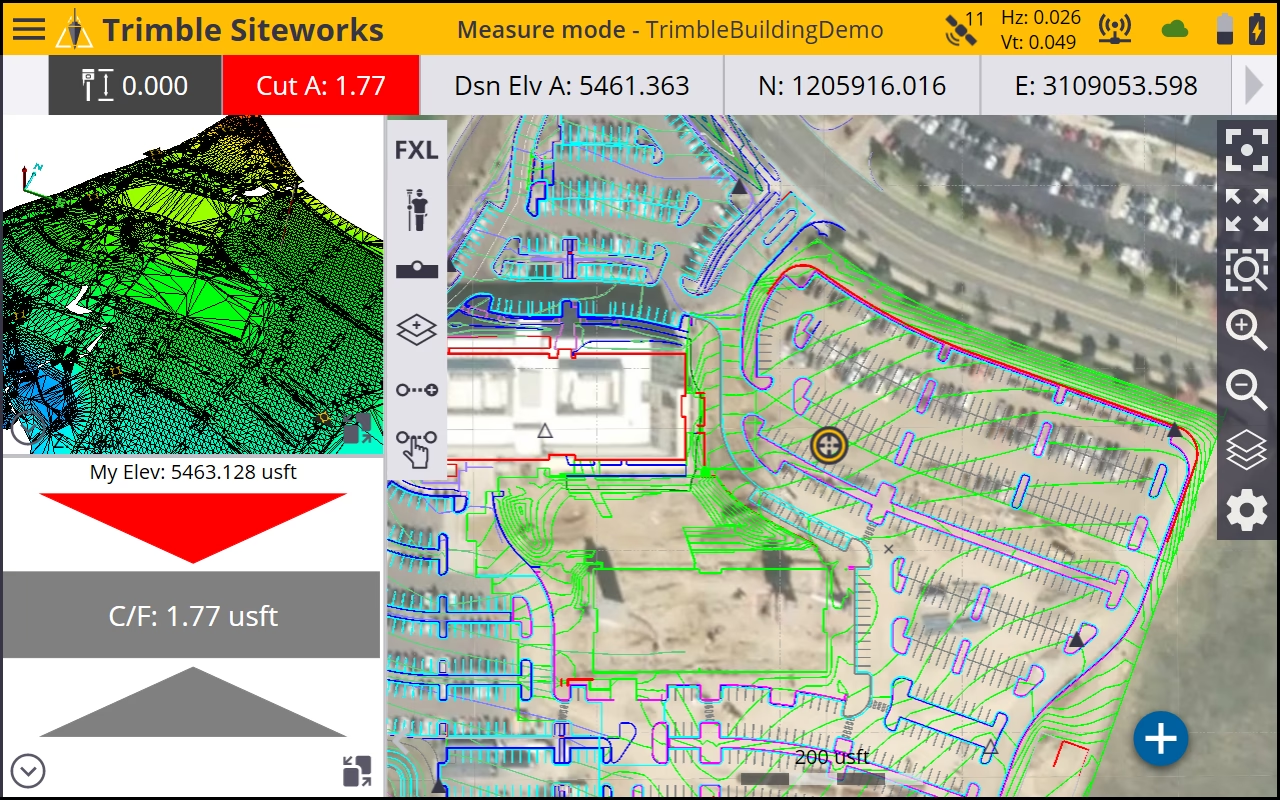
Trimble Siteworks features a modern, intuitive interface optimised for ease of use and efficiency. Colourful graphics, natural interactions and gesture controls make this construction survey software simple to learn and adaptable for every skill level. Users can configure views, customise layouts and personalise their interface to match specific workflows.
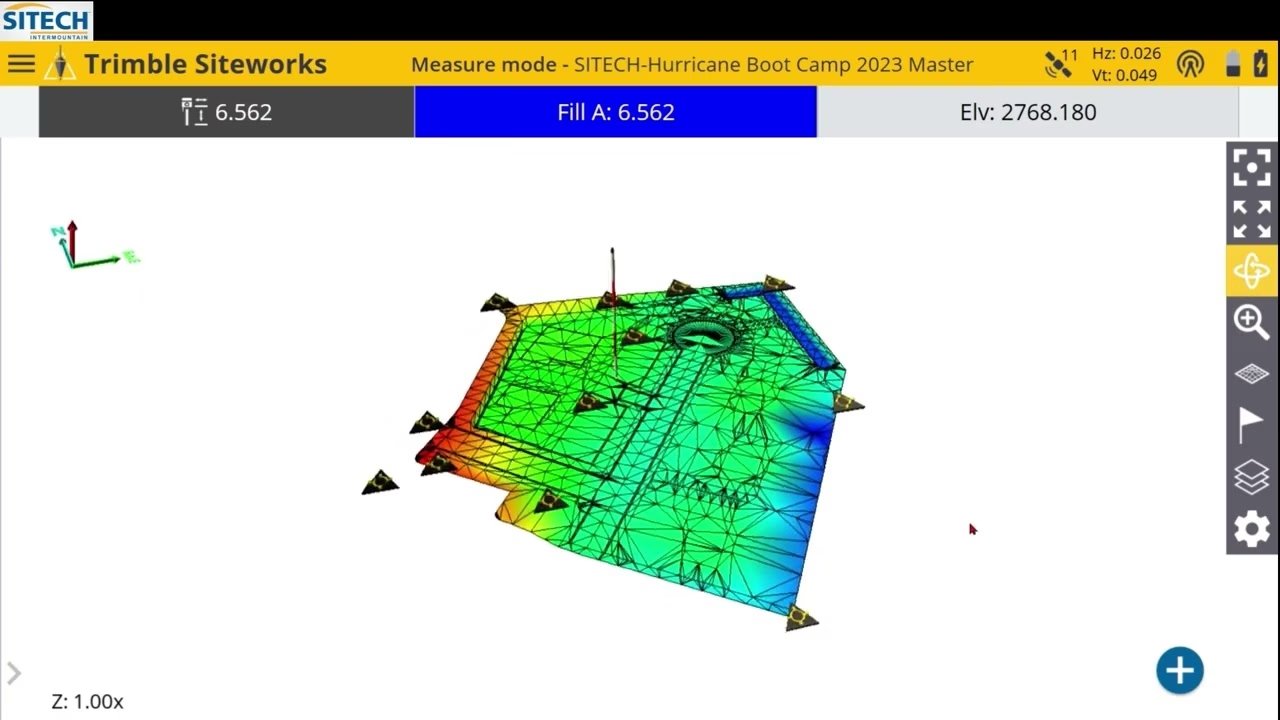
Purpose-built for construction surveying, Siteworks software enables surveyors to collect large data sets quickly, visualise detailed 3D models with precision, and work efficiently day or night to maximise accuracy and productivity on every project.

The R780 is powered by advanced Trimble R-Track technology and the following satellite systems and correction sources:
-
GPS, GLONASS, Galileo, QZSS and BeiDou Navigation Satellite System
-
Satellite-Based Augmentation Systems (SBAS) such as WAAS, EGNOS, MSAS, and QZSS
-
CenterPoint RTX
-
Precision GNSS base station (RTK corrections)
-
DGPS using UHF radio links (RTCM)
-
Virtual Reference Station (VRS)
-
Trimble Internet Base Station Service (IBSS)
-
Trimble xFill technology
Features & Benefits
Engineered for Accuracy, Efficiency, and Durability
Designed to perform in demanding field conditions, this solution combines rugged hardware with advanced GNSS technology to support faster, more accurate data capture. From improved mobility and flexible deployment to enhanced positioning capabilities and reduced downtime, it enables teams to work more efficiently across a wide range of surveying and site applications.
Connected Site Integration
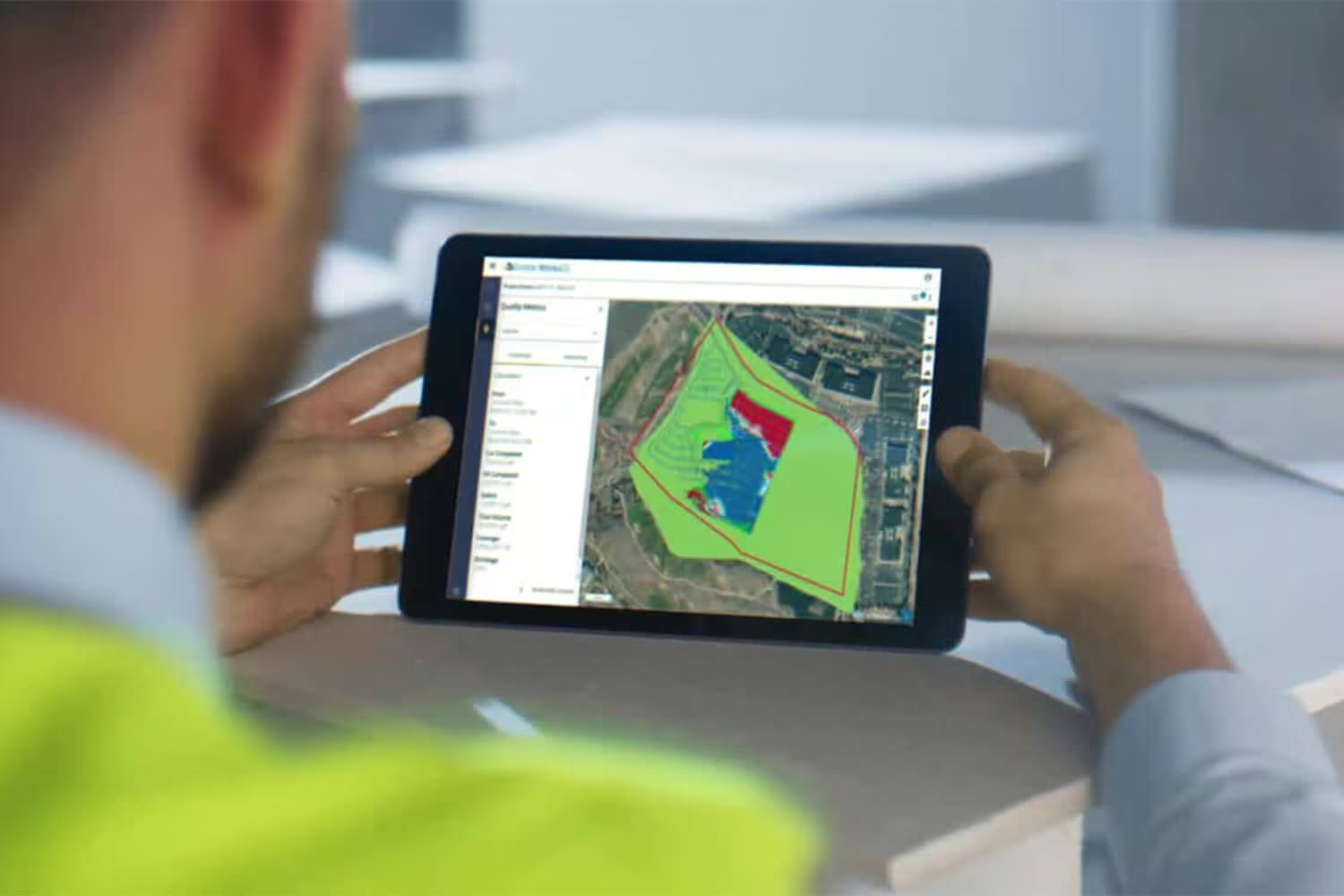
With office-to-field connectivity using Trimble WorksManager Software, keep everyone up to date by sending design and measurement data over the air, dramatically increasing productivity and reducing costs.
-
Have confidence that the correct design is being used in the field
-
Keep track of your survey crews
-
Share common VCL design files with the Trimble Earthworks Grade Control Platform
Siteworks for Construction
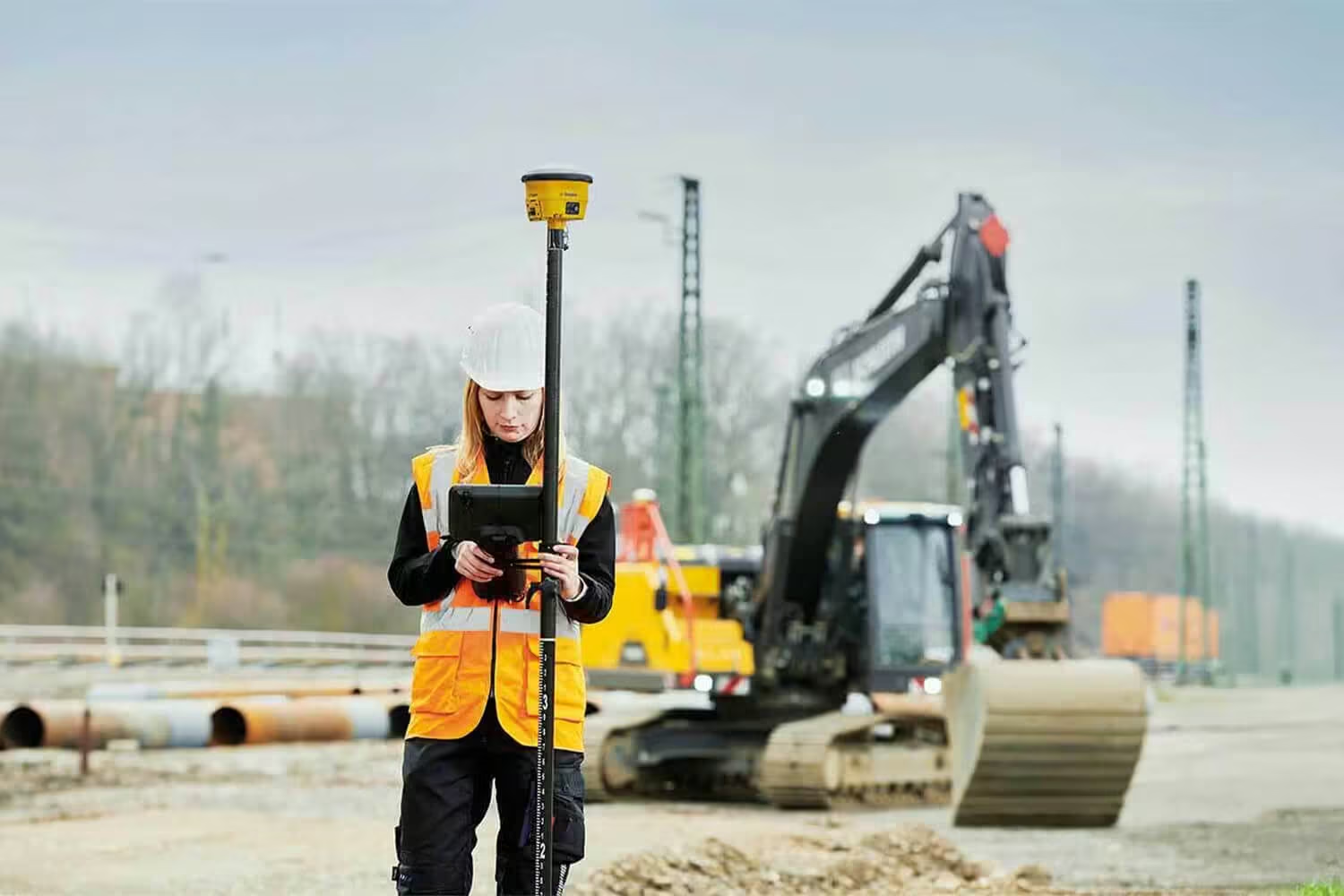
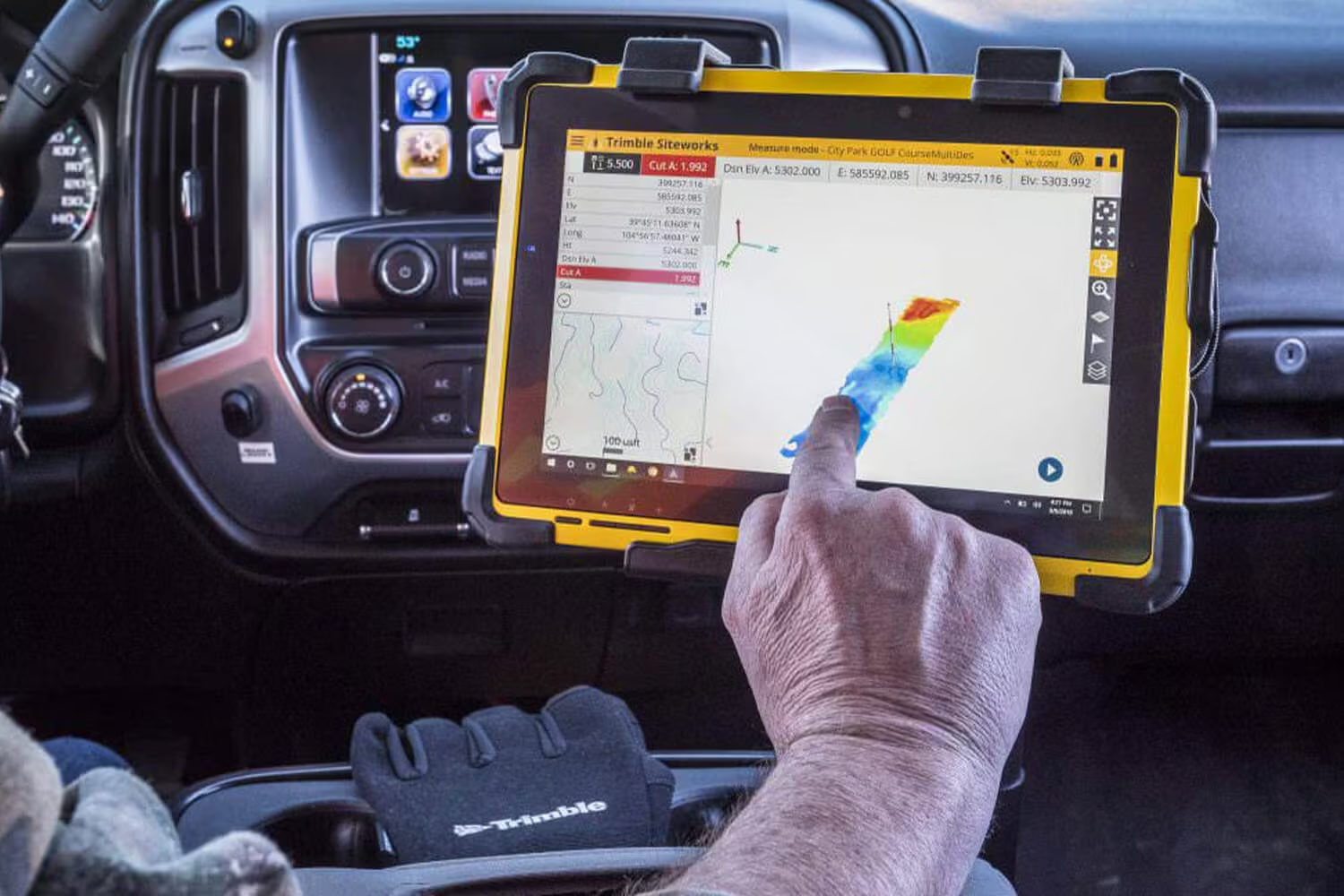
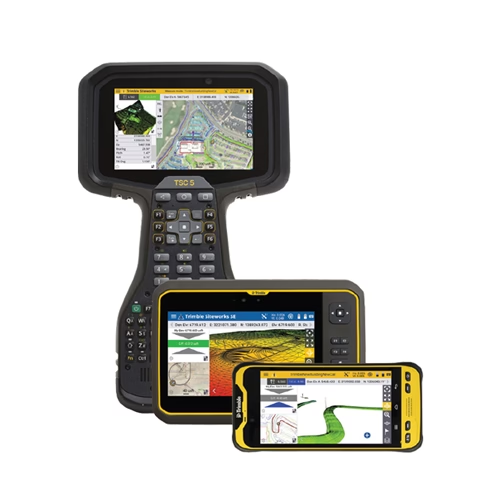
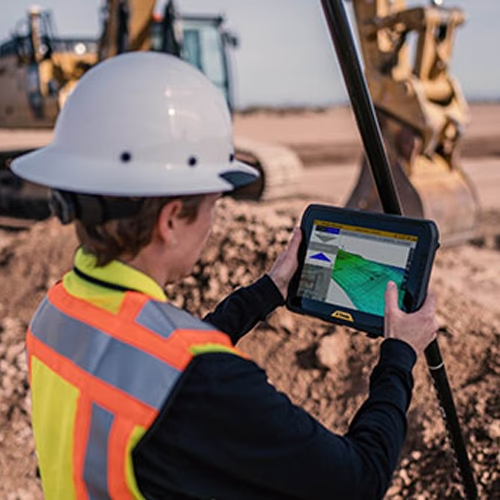
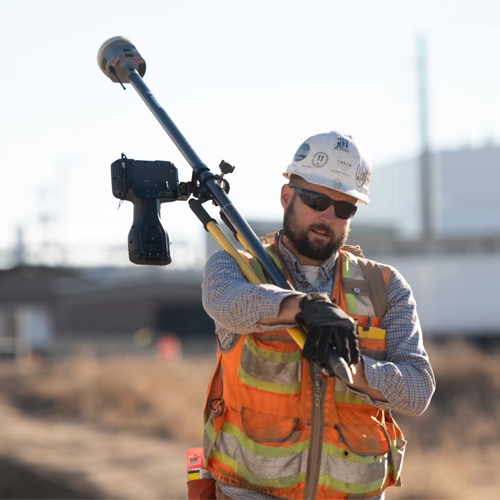
The Trimble Siteworks Positioning System for Construction Surveyors is comprised of the SPS986 or SPS785 GNSS Smart Antenna, the TSC7 Controller or T7 Tablet and Siteworks Software.
It enables construction surveyors to work with complex 3D models, collect large data sets faster, visualise complex 3D models more easily and work day or night efficiently.
Siteworks for Supervisor
The Trimble Siteworks Positioning System for Supervisors includes the SPS986 or SPS785 GNSS Smart Antenna, T7 or T100 Tablet and Siteworks Software. Construction supervisors can run full office software packages and work easily with data and 3D models in the field without carrying a laptop.
Scalable Site Solutions
Flexible Machine Guidance and Entry-Level Surveying in One Platform
Trimble Siteworks Machine Guidance, combined with Siteworks SE software, delivers a practical and cost-effective solution for both machine control and everyday site surveying. Using the same hardware across applications, it simplifies workflows, reduces equipment costs, and improves efficiency on site.

SiteWorks Machine Guidance
The Trimble® Siteworks Machine Guidance Module is a versatile, low-cost solution for machine guidance and layout that enables contractors to use the same hardware and software to perform a variety of tasks on the job site both on and off machines.
Portable and easy to use, it gives local contractors an accessible entry‑point into construction surveying and machine guidance.
Read More
Trimble SiteWorks SE
Low-Cost, Scalable Construction Surveying
Trimble Siteworks SE Software is an entry-level, easy-to-use construction surveying software at an affordable price point. Using a construction GNSS receiver, a supervisor, foreman, grade checker or sire engineer can easily check a grade, slope or alignment and navigate the project more accurately and in less time than with traditional survey methods.
Similar to the standard version, Siteworks SE supports PDF reporting, tilt compensation and vehicle mode measurements. Featuring full compatibility, seamlessly upgrade to Siteworks as soon as your needs expand.

Connected Site Positioning
Enhance Efficiency with Trimble Site Positioning Solutions
The Trimble Siteworks suite forms part of the Trimble Site Positioning Systems range – delivering total connectivity from design to construction. With seamless office-to-field integration, you can ensure every stakeholder is working from the same data set, minimising errors and downtime. This construction survey software helps contractors and engineers visualise data in real time, measure progress accurately, and share updates instantly through Trimble WorksManager. From layout to machine guidance, Siteworks gives you a smarter, more connected job site. Whether you’re using Trimble Siteworks Machine Guidance Module or the Siteworks SE edition, every tool is designed to improve accuracy, productivity, and collaboration across your project.
Siteworks Advantages
Key Benefits of Trimble Siteworks Software
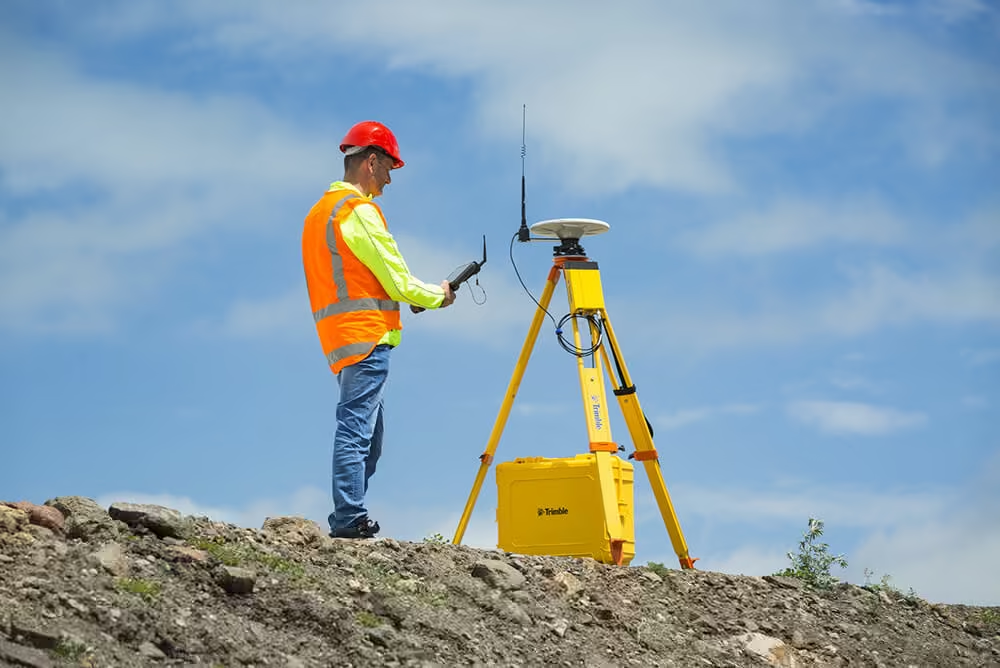
Trimble Siteworks is purpose-built for construction surveyors and site engineers who need accurate data, easy workflows, and reliable connectivity. Its powerful site positioning tools deliver consistent results on every project.
Main advantages include:
-
Faster, more precise site positioning with advanced GNSS technology
-
Simple data transfer between field and office using Trimble WorksManager
-
Easy handling of complex 3D models and large data sets
-
Intuitive interface with customisable layouts for different users
-
Real-time visibility of designs and as-built progress
-
Compatible with Trimble SPS986, SPS785, and TSC7 hardware
-
Affordable scalability with the Siteworks SE entry-level version
FAQs
Frequently Asked Questions About Trimble SiteWorks
Get quick answers to common questions about Trimble field software, including how it works, device compatibility, integration with office systems, and support options. This section helps you understand how the software fits into your workflows and how SITECH SA supports successful implementation on site.
Related Media
See the SiteWorks in Action
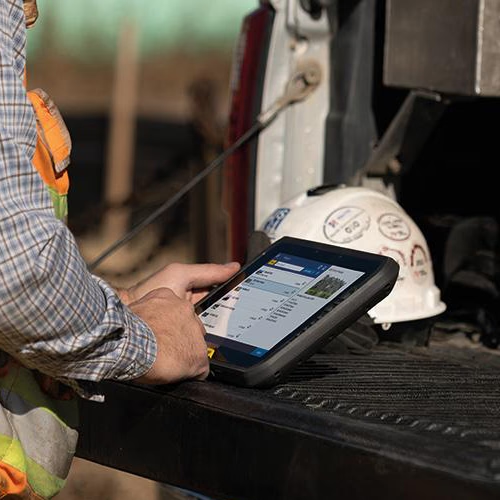
Explore the SiteWorks from multiple angles and get a closer look at its design, key components, and real-world durability.


Request a Quotation
Please complete the form and a SITECH SA representative will contact you to assist.